I have reviewed some great projectors that cost around $500, but the real challenge is figuring out if you can get anything “serviceable” for under $100.
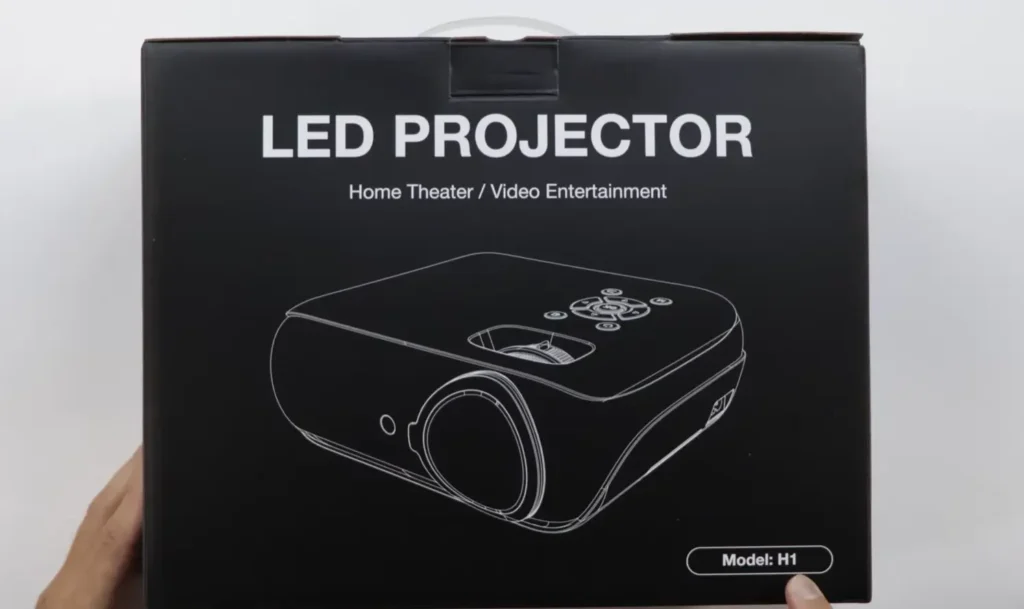
That’s why I was interested in testing the HAPPRUN H1. This model is one of the most popular projectors on Amazon, it promises native 1080P resolution and, thankfully, they include a 100-inch fabric projection screen right in the box.
Honestly, I was a bit skeptical heading into this, my main goal was to determine if this budget projector was “complete garbage or genuinely serviceable” .
Key Takeaways
- The HAPPRUN H1 projector delivers impressive native 1080P quality for under $100, especially after proper calibration.
- It performs best in dark environments due to weak contrast and limited brightness.
- Built-in audio is underwhelming, but Bluetooth 5.1 connectivity makes pairing with external speakers easy.
- Surprisingly good for casual gaming and presentations with low input lag and clear text.
- Ideal for budget-conscious users or as a temporary projector before upgrading to a premium model.
Happrun H1 Projector Design and Build
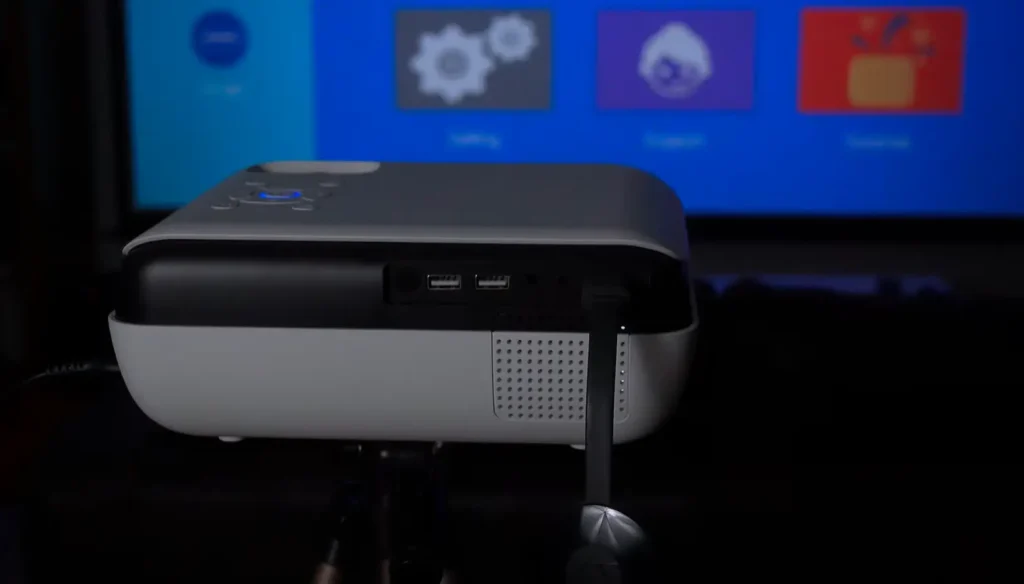
The Happrun H1 is pretty lightweight and fairly compact, featuring a two-tone black and white matte plastic finish that looks decent in person.
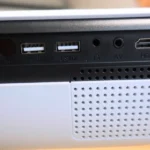
Looking at the back, all the input/output (I/O) connections are there: two USB ports, one HDMI input, one AV input, and a 3.5mm audio jack.
It comes with the basics, including the power cable, an HDMI cable, and a small remote control.
Setting up is straightforward. You power it on, and the home menu is simple, offering shortcuts to HDMI, AV, Movie, Music, and Photo modes.
For physical adjustments, the projector relies on manual focus and manual keystone adjustment controls located on the top.
I have to point out my observation on the keystone: it primarily handles the up/down tilt, which means I strongly recommend mounting this projector as level as you can, aimed toward the center of your screen.
While it has a small adjustable foot, I found using a tripod mount much better. There is a thread on the bottom for mounting, and a small tripod allows me to control the projector better and adjust the angle exactly how I want it.
Happrun H1 Projector Picture Quality and Visual Performance
I felt that this projector “punches above its weight class” in terms of overall picture quality. The native 1080P resolution provides good sharpness and color saturation toward the middle of the screen. For instance, when I connected my iPad, the projected text looked nice and sharp.
However, as expected with budget units, I did start noticing a slight fuzziness toward the edges of the projected image.
The most significant limitation I experienced was the contrast and black levels. While the company advertises a 10,000:1 contrast ratio and a 10,000-hour lamp life, the actual Lumen value is officially undisclosed, and I’d have to guess it’s pretty low.
If I turned on the overhead lights in the room, the image became completely washed out and was “barely visible”. My expert advice is that you should highly recommend using this projector in a near pitch-black environment for a decent picture.

Although we can probably use this projector with all the lights turned on, while it obviously looks better in the dark.
This is a key takeaway for anyone buying the Happrun H1: the picture quality can improve significantly over time.
I’ve learned that mini LCD screens can take over 100 hours (which could be 8 or 9 months of casual use) to “crystallize”. Out of the box, the quality might feel like a 3/10, but after that break-in period and proper calibration, it can easily reach a 9/10.
You have access to customization settings like contrast, brightness, color, sharpness, color temperature, and noise reduction in the menu.
The Happrun H1 can project up to 200 inches. I tested it successfully set up at a viewing distance of about 15 feet away on my 120-inch screen.
It includes a digital zoom feature that allows me to reduce the size from 100% down to 75%. However, if I wanted a screen size bigger than 100%, I discovered I needed to physically move the projector further away.
Happrun H1 Projector Audio, Connectivity, and Compatibility
Built-in Speaker and Fan Noise Performance of the Happrun H1 Projector
The weakest link in this unit is the internal audio. The speaker volume seems lower than other budget projectors I’ve tested. I had to raise the volume to 75% just to hear things “halfway decent”. Because the speaker volume is relatively low, I noticed the fan noise more easily.
Bluetooth 5.1 Audio and External Speaker Options for the Happrun H1 Projector
Thankfully, the Happrun H1 includes Bluetooth 5.1 which solves the audio issue entirely. This is great for connecting headphones or external speakers.
I tested this functionality, and connecting my Bluetooth speaker was super simple and worked seamlessly.
Streaming and DRM Limitations When Using the Happrun H1 Projector
I successfully connected various devices, like Apple iPhones, Android phones, and laptops/PCs, using standard HDMI cables or suitable adapters.
Crucially, I discovered a major restriction regarding streaming apps. When connecting a phone via cable, apps like Netflix cannot be projected directly due to DRM (Digital Rights Management) protection.
When I tried to play content, the screen just kept spinning forever. The effective workaround I found is accessing Netflix or other streaming services via a web browser on the phone or computer connected by HDMI; this bypasses the app restriction and works fine.
Happrun H1 Projector for Gaming and Professional Use
Gaming Performance and Input Lag on the Happrun H1 Projector
I was pleasantly surprised by the gaming performance. For a budget projector, it showed low input lag. I tested mobile games like Asphalt 9 and various retro games, and they looked really nice on the big screen.
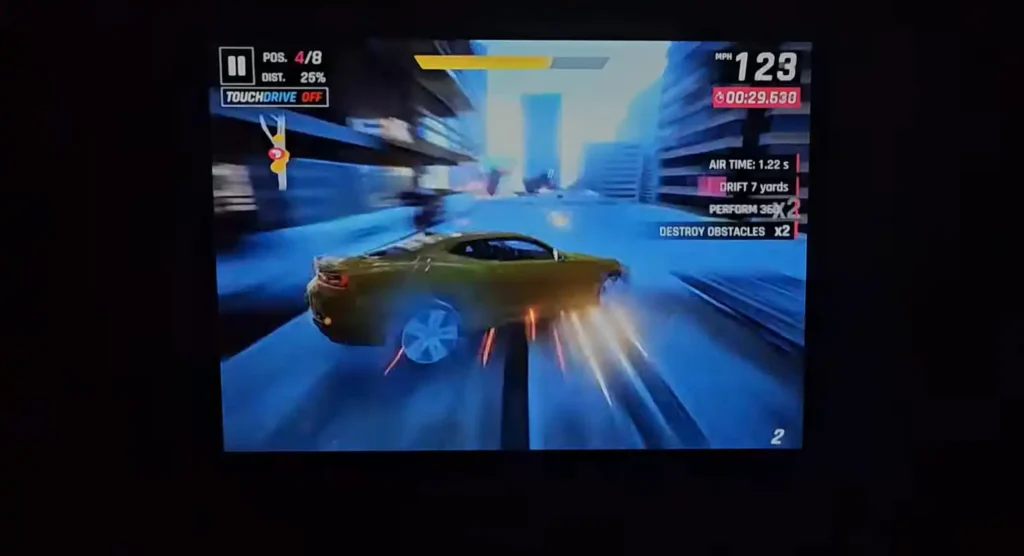
Pushing it even further, I was able to play Rocket League on my Xbox Series X, and the experience was genuinely “better than I was expecting” for a unit at this price.
Using the Happrun H1 Projector for Presentations and Business Settings
The Happrun H1 is definitely suitable for professional presentations. When connected to a computer or an iPad, text renders clearly and sharply.
Final Verdict: Happrun H1 Projector Pros, Cons, and Best Use Cases
Top Advantages of the Happrun H1 Projector
• Native 1080P resolution at an excellent budget price.
• Good picture quality for the cost, especially if you spend the time calibrating it and allow for the break-in period.
• Includes Bluetooth 5.1 for easy external speaker connection.
• Low input lag makes it surprisingly decent for casual gaming.
• Works well for presentations where text clarity is necessary.
Drawbacks and Limitations of the Happrun H1 Projector
• Poor contrast and black levels, strictly requiring near-pitch black usage.
• Internal speaker volume is very low and easily overpowered by fan noise.
• Features manual focus and only basic keystone correction.
• Streaming apps (like Netflix) have DRM restrictions when connecting directly via phone cable.
Who Should Consider Buying the Happrun H1 Projector
• People needing a cheap, knock-around projector.
• Outdoor settings or camping use.
• Kids’ entertainment.
• Budget-conscious users who are willing to calibrate the unit and allow it time to “crystallize” .
• Users looking for a temporary solution while saving up cash for a better projector down the line.
Conclusion: Is the Happrun H1 Projector Worth Buying?
So, is the HAPPRUN H1 worth it? Based on my testing, yes. It is genuinely serviceable.
If you are coming from a high-end projector or TV, this thing “just is not going to look that good to you,” but you need to set your expectations accordingly.
If you know what you are getting into, specifically, that it must be used in a completely dark room due to poor contrast in light, and you must connect external Bluetooth speakers due to the low internal volume, it performs well.
My personal conclusion is that having this projector is definitely better than having no projector at all.